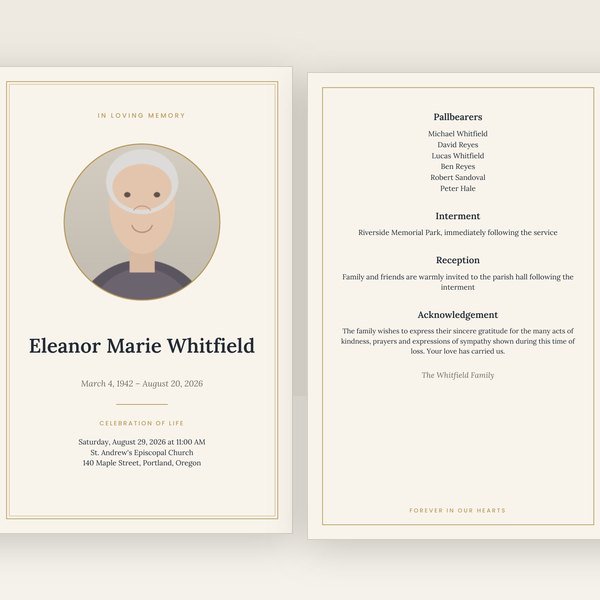
Classic
Ivory paper, a fine double gold border and Lora serif type. Quiet, traditional, and it prints beautifully on any paper.
Create yours nowCreate a funeral program
Creating a funeral program does not have to take a weekend. Gather a handful of details, enter them once, choose a design, and download a finished program tonight. This page walks through each step and what to write in every section.
Most "funeral templates" are a layout you still have to design, on a day you have no time for it. This is different: type the details once, and every piece is made for you — matching, print-ready, checked.
$29.95 for the program · $89.95 for the complete set — one payment, files in minutes, nothing shipped.
Choose a design and startFree corrections for 30 days · no account needed
Every design makes every piece. Your words follow you if you change your mind.
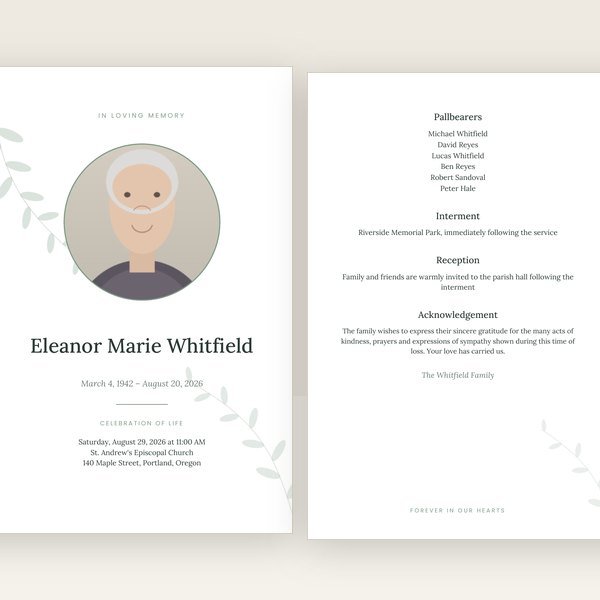
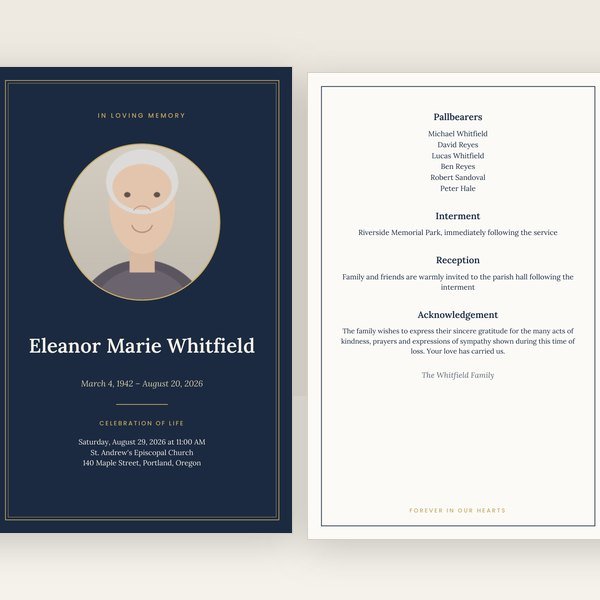
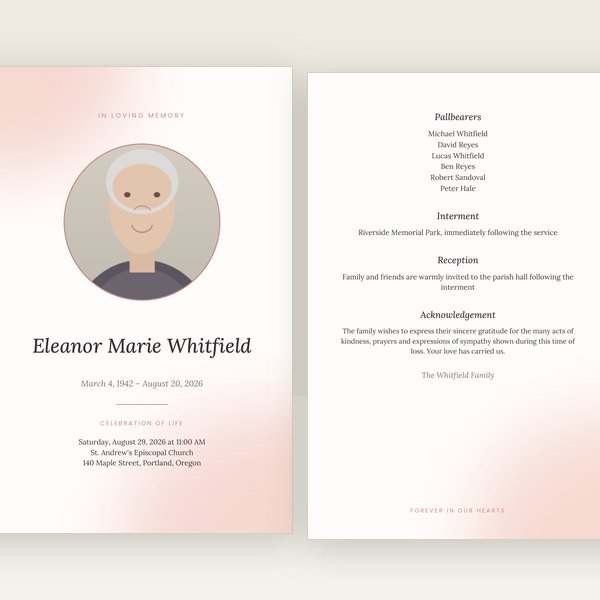
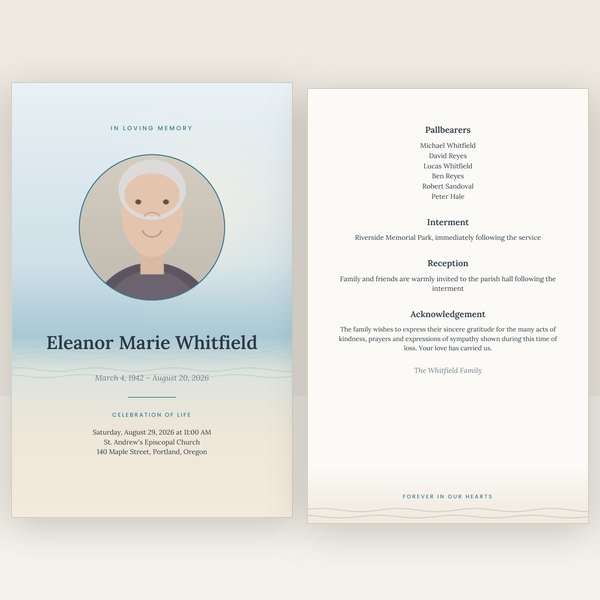
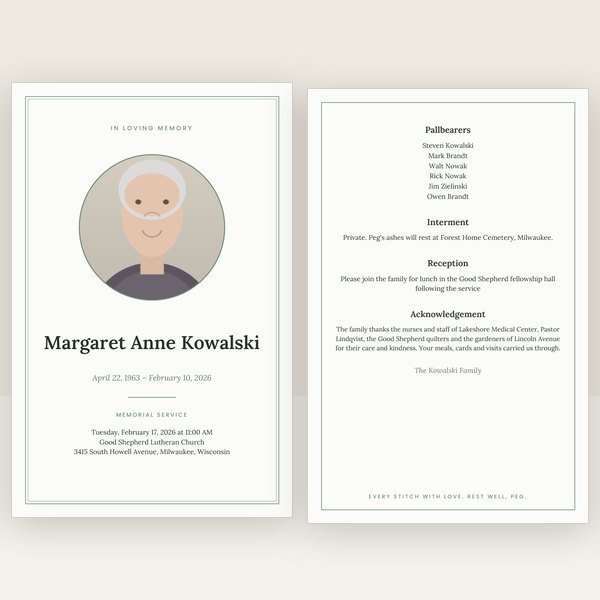
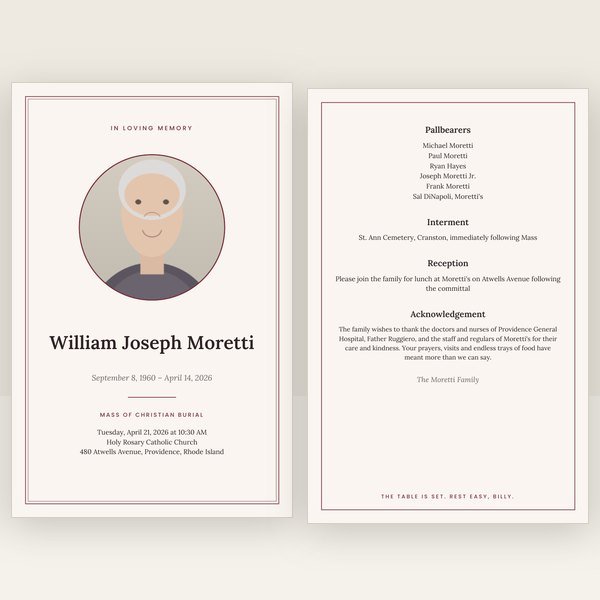
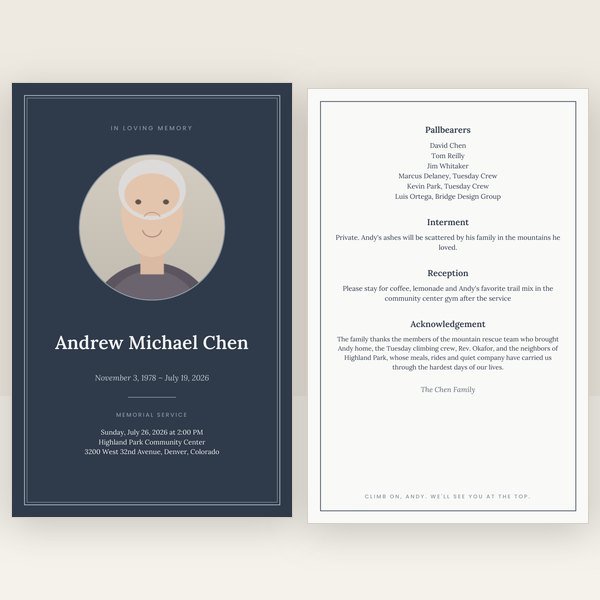
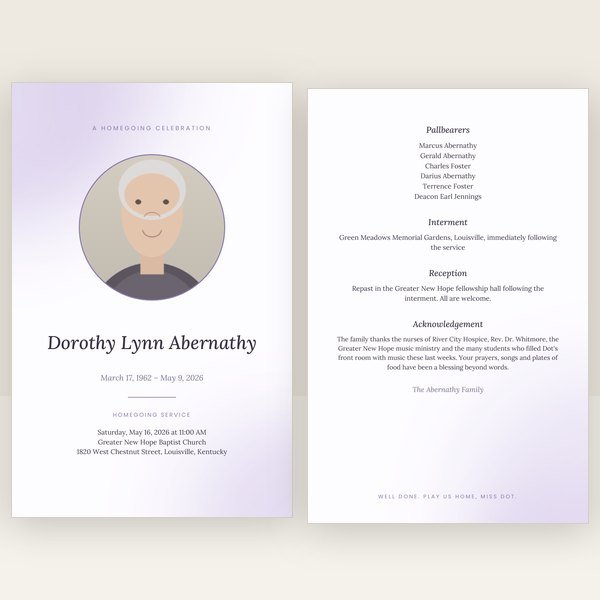
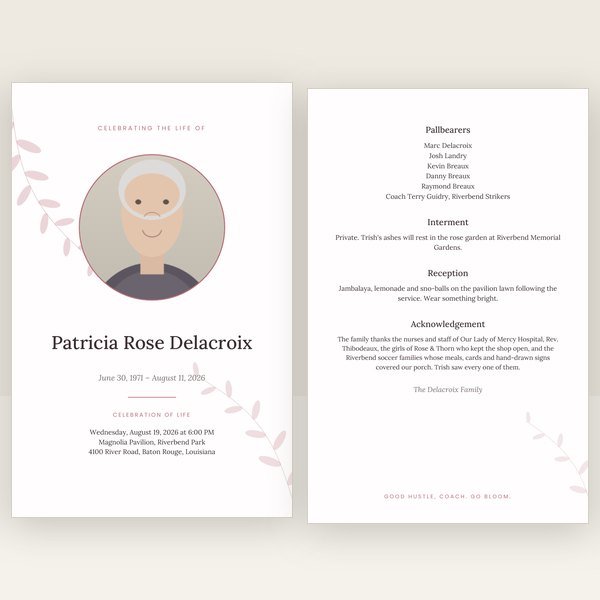


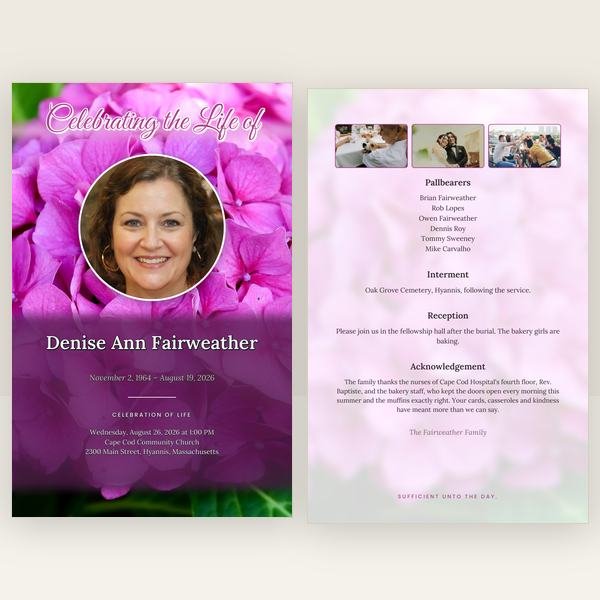


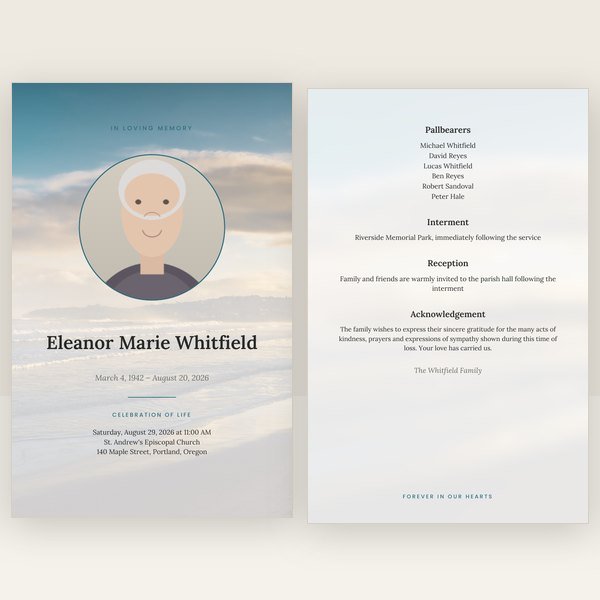
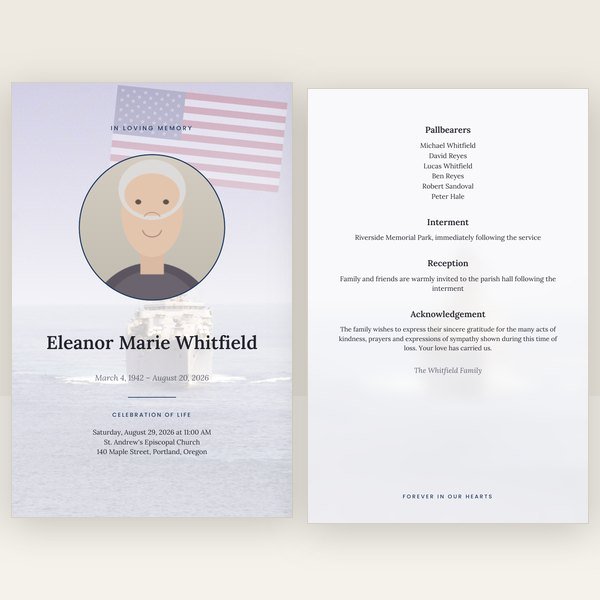


Four pages for a simple service, eight or twelve for a longer obituary and more photos, or a trifold if that is what the church is used to.
A standard four-page funeral program follows a familiar shape. The cover carries the photo, the full name, the dates, and the service details. The inside left usually holds the order of service — processional, opening prayer, hymns, readings, eulogy, closing prayer, recessional — and the inside right holds the obituary, the life story in three to five paragraphs. The back page is for pallbearers, the interment or reception details, an acknowledgement from the family, and often a short verse.
You do not have to fill every section. Families creating a program for a graveside service often skip the order of service entirely and use both inside pages for the life story and photos. The guide to what to include in a funeral program gives sample wording for every part, including the acknowledgement, which is the line people most often struggle with.
Most families finish a four-page program in ten to fifteen minutes once the details are to hand; an eight-page program with a longer obituary and more photos takes a little longer. The slow part is never the software — it is agreeing on the wording with siblings and confirming the service time with the officiant. Start the program as soon as the date is set, even with placeholder text, so that the design and photo are settled early and only the words are left to finalize.
Print the day before the service if you can. That leaves time to correct anything you spot on paper — corrections are free, and the fresh files download in seconds — and it avoids a morning trip to a print shop that may be busy.
Once the program exists, everything else is a click. The prayer cards, bookmarks and thank-you cards are offered on your download page already filled in with the same name, dates, photo and design, and the complete set is priced as one purchase. A welcome sign for the entrance and share images for text and social media come from the same details too, so nothing is typed twice.
The same editor and the same designs, with the wording and the order of service already set for how the service is held.
Three steps, one set of details, a finished program you can print tomorrow.
Create the programDigital download only. Free corrections for 30 days. Sales are final; corrections and repairs are free.