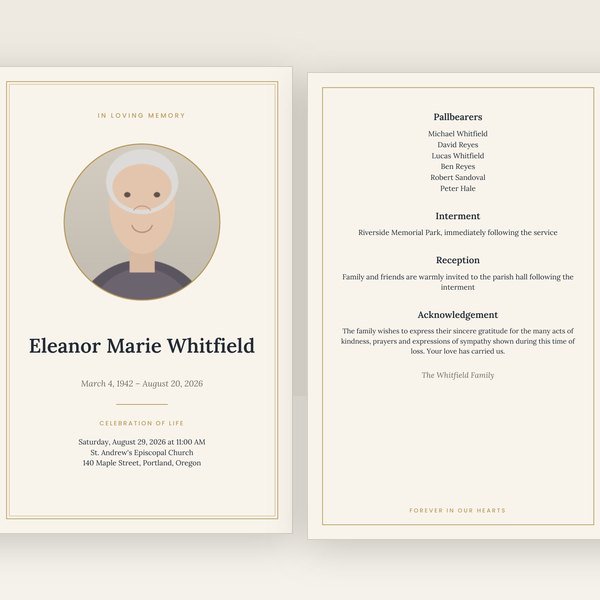
Classic
Ivory paper, a fine double gold border and Lora serif type. Quiet, traditional, and it prints beautifully on any paper.
Create yours nowFuneral program PDF
Not every PDF prints correctly. A folded program needs its pages arranged for the fold, bleed for anything that runs to the edge, and crop marks so the shop cuts in the right place. Every program here downloads as three PDFs prepared for exactly that, and the free sample is one of them.
Most "funeral templates" are a layout you still have to design, on a day you have no time for it. This is different: type the details once, and every piece is made for you — matching, print-ready, checked.
$29.95 for the program · $89.95 for the complete set — one payment, files in minutes, nothing shipped.
Choose a design and startFree corrections for 30 days · no account needed
Every design makes every piece. Your words follow you if you change your mind.
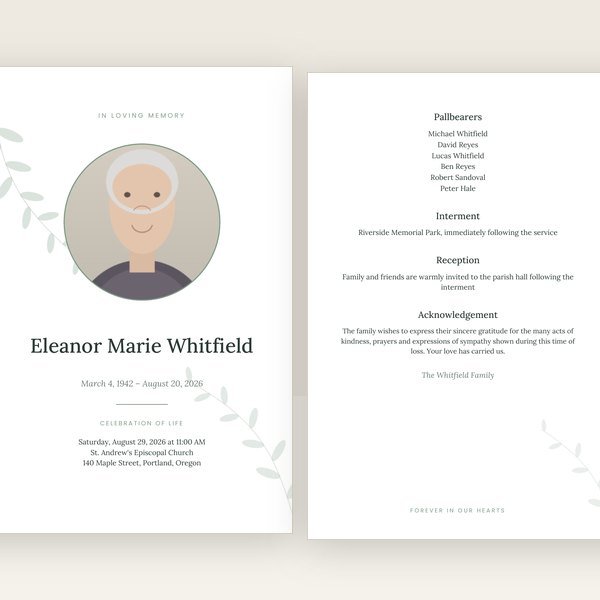
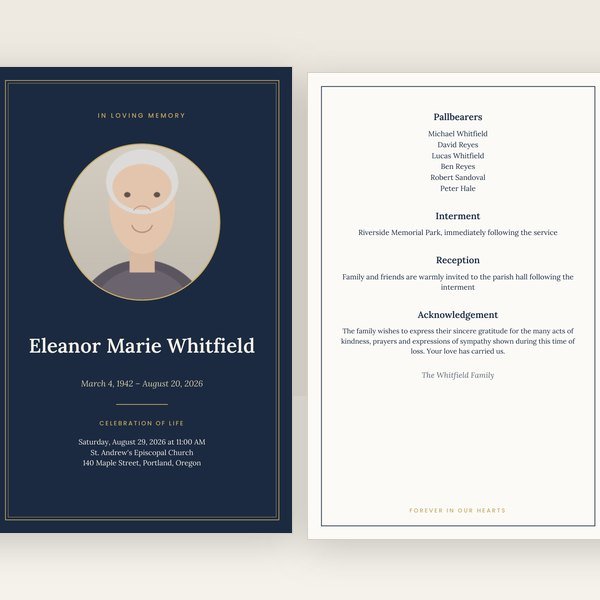
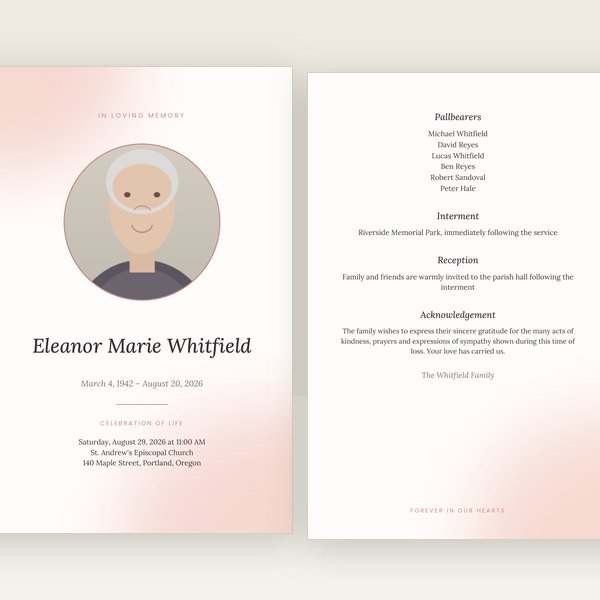
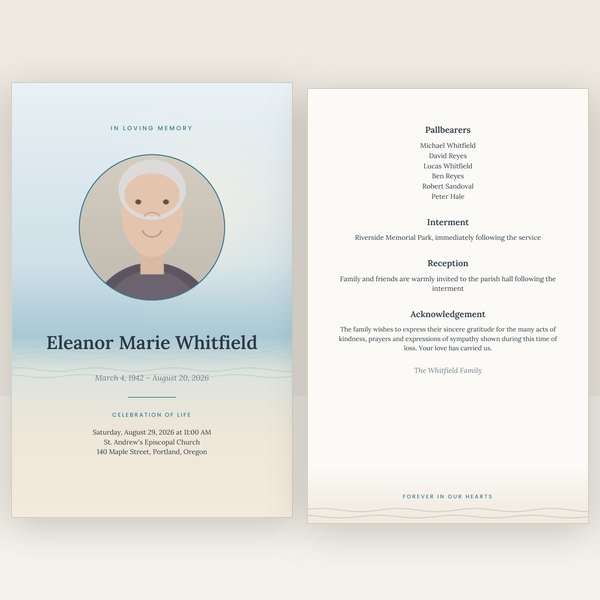
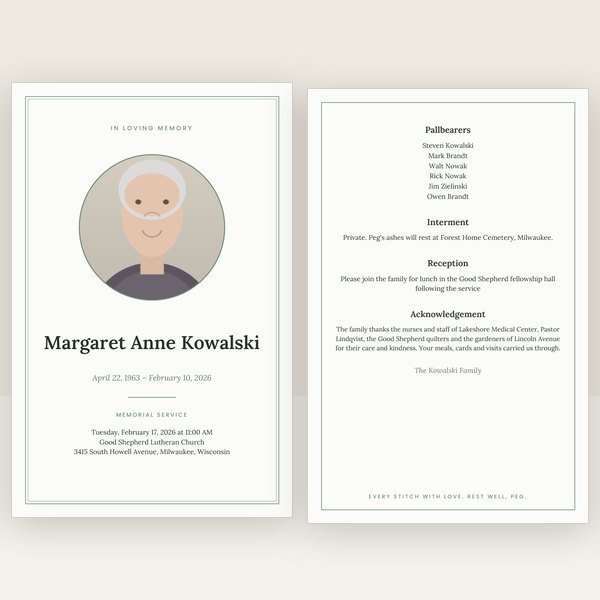
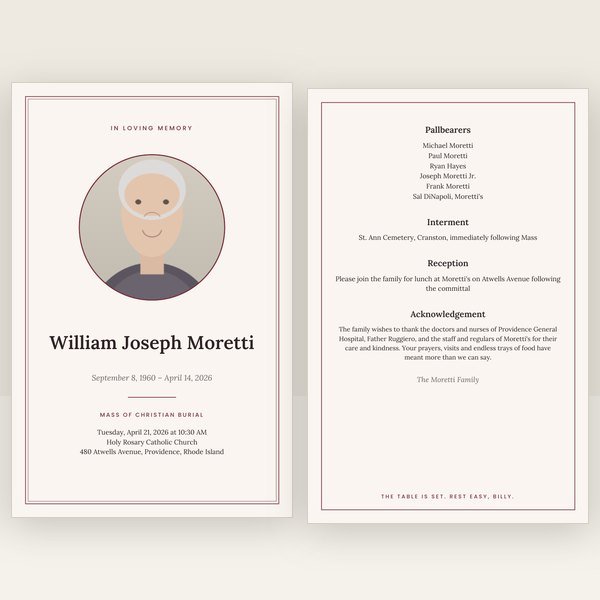
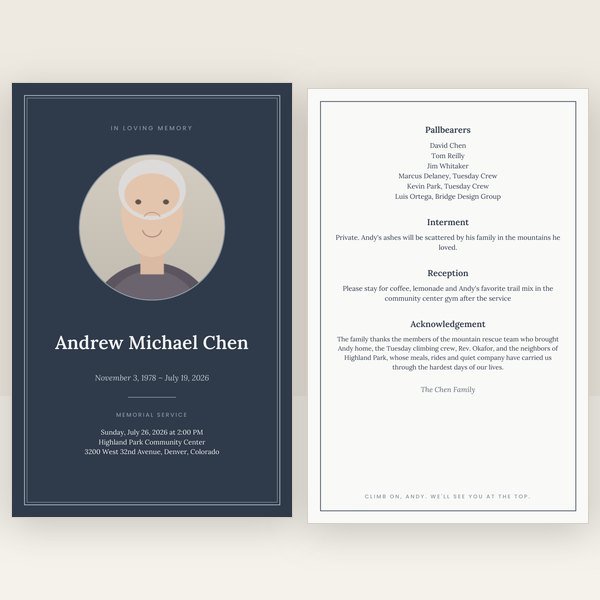
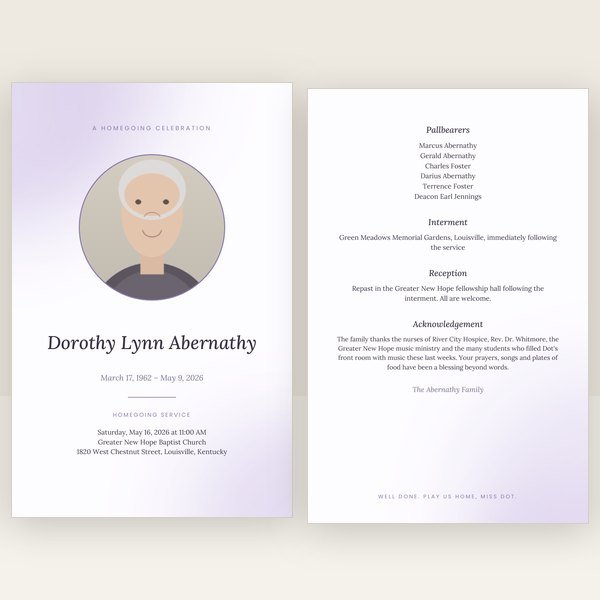
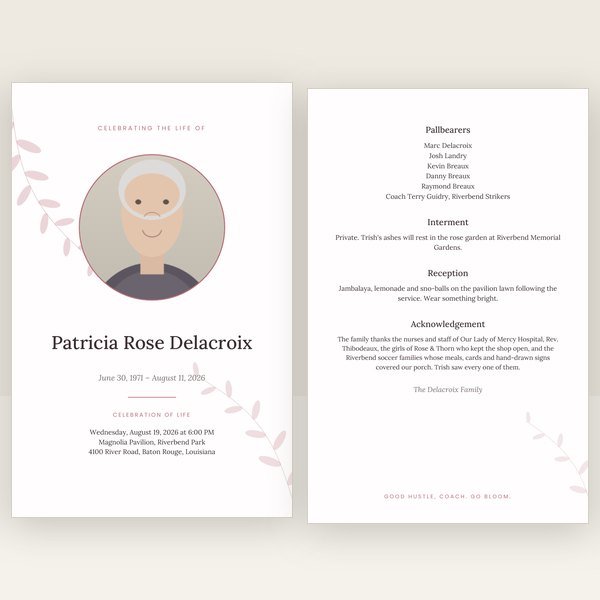


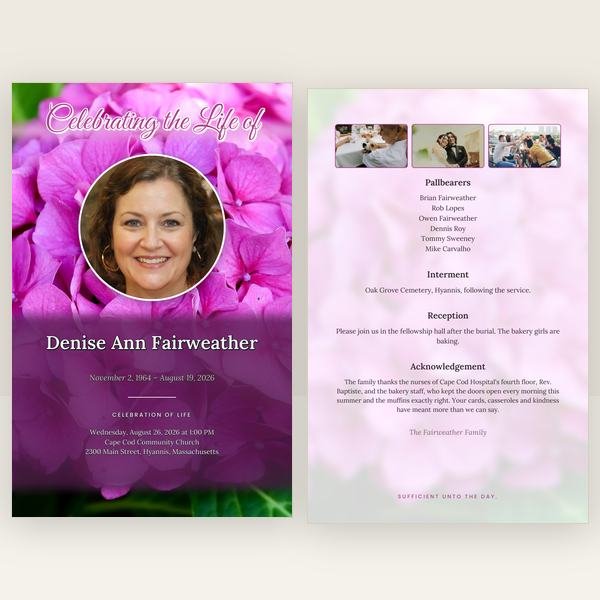


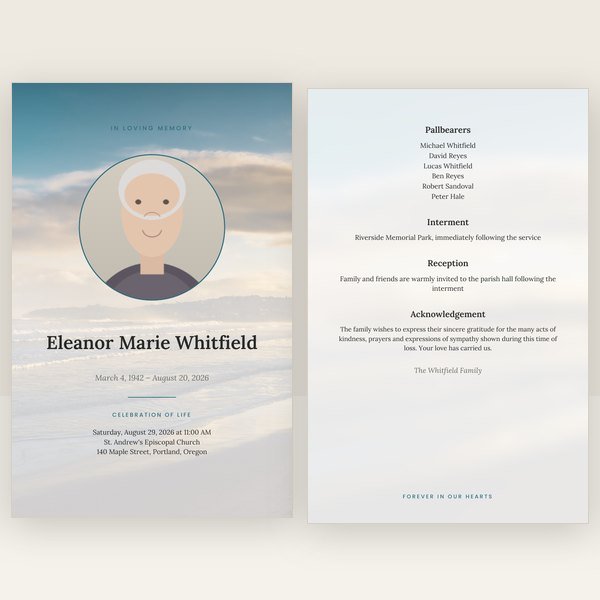
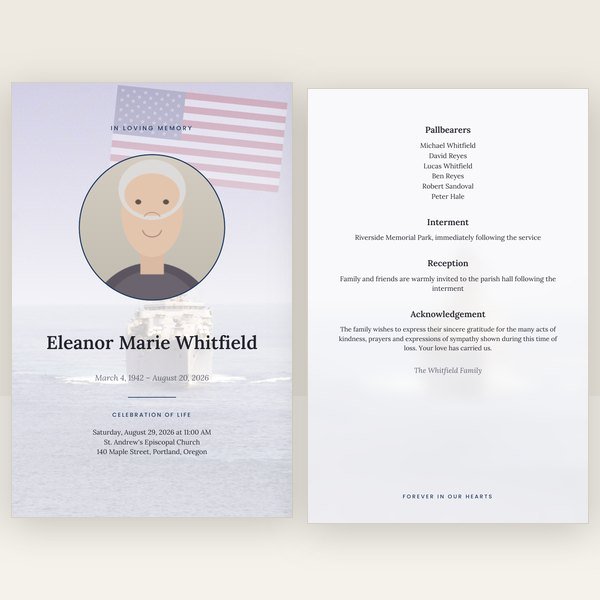


Bifold, booklet and trifold, in US Letter and A4, each with the three PDFs above.
A funeral program template PDF you find online is usually a single page in reading order. It looks right on screen and prints wrong, because a bifold program is one sheet printed on both sides and the pages are not in reading order on that sheet: page 4 sits beside page 1 on the outside, page 2 beside page 3 on the inside. Arranging pages this way is called imposition, and it has to be done before printing. Funeral program page order explains it with a diagram.
Bleed is the second thing. If a photo or a colored band runs to the edge of the page, the file needs a few millimeters of extra image past the trim line, so that a cut that is slightly off does not leave a white sliver. Crop marks show the shop where to cut. A PDF without bleed and crop marks can still be printed, but a good shop will either ask you for a corrected file or add a white border you did not want.
A print shop and a home printer want different things. The shop wants bleed and marks on oversized paper it will trim; a home printer cannot print to the edge and needs the page at exact size on Letter paper with a faint line showing where to fold. Sending the shop file to a home printer produces a program that is slightly too small; sending the home file to a shop loses the bleed. So both are generated, and a third in reading order for anyone who will only ever see it on a screen.
All three are regenerated together every time you edit. Fix a name on the cover and download again, and the imposition, bleed and marks are still correct — there is nothing to redo by hand. How to print a funeral program shows which file to use where and what settings to choose.
The free sample is a real print-shop PDF from this site, not a picture of one. Open it in any PDF viewer, or take it to the shop you plan to use and ask whether they can print it; most will say yes on the spot. Then create your own knowing the output is the same.
The same editor and the same designs, with the wording and the order of service already set for how the service is held.
Enter the details, choose a design, and download all three PDFs the moment payment clears.
Create your program PDFDigital download only. Free corrections for 30 days. Sales are final; corrections and repairs are free.