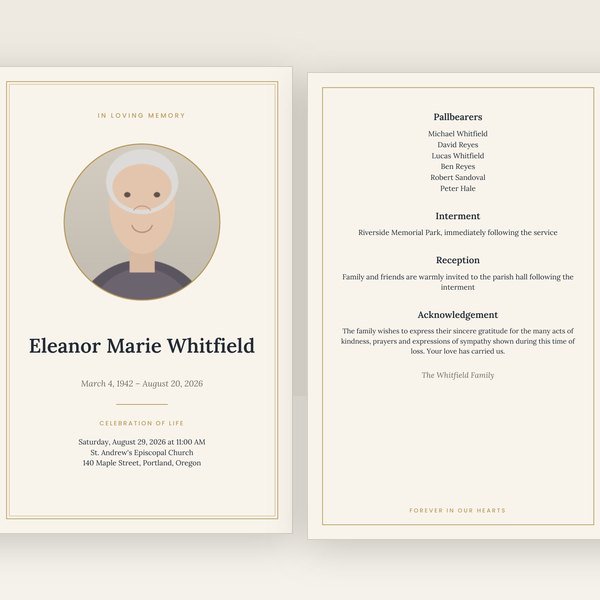
Classic
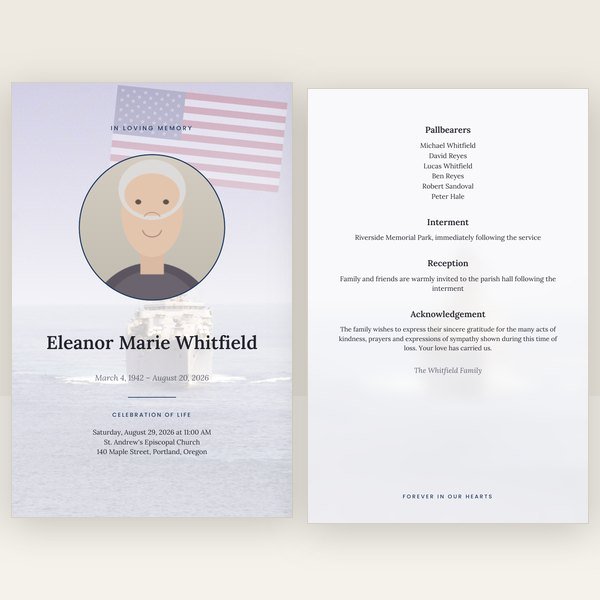
Ivory paper, a fine double gold border and Lora serif type. Quiet, traditional, and it prints beautifully on any paper.
Create yours nowFuneral program maker
A funeral program maker should hand you a document that prints correctly the first time. This one does: you enter the details, it lays out every page, imposes them for folding, adds bleed and crop marks, and gives you the PDFs the moment you pay. Here is how that differs from doing it in Word or Canva, and what else it makes for you.
Most "funeral templates" are a layout you still have to design, on a day you have no time for it. This is different: type the details once, and every piece is made for you — matching, print-ready, checked.
$29.95 for the program · $89.95 for the complete set — one payment, files in minutes, nothing shipped.
Choose a design and startFree corrections for 30 days · no account needed
Every design makes every piece. Your words follow you if you change your mind.
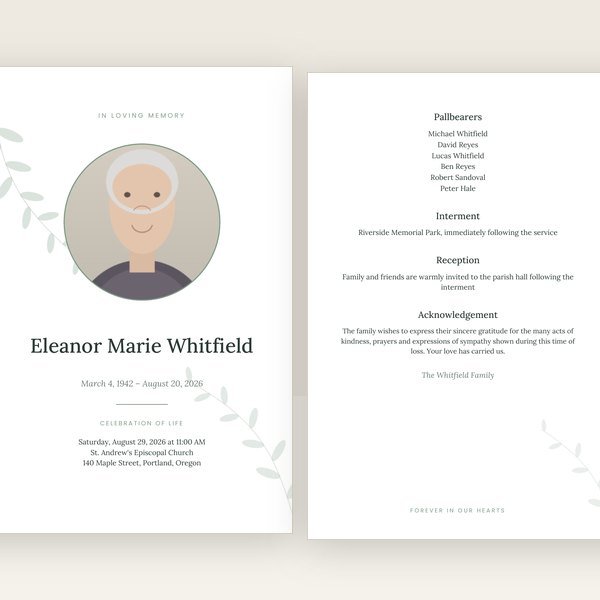
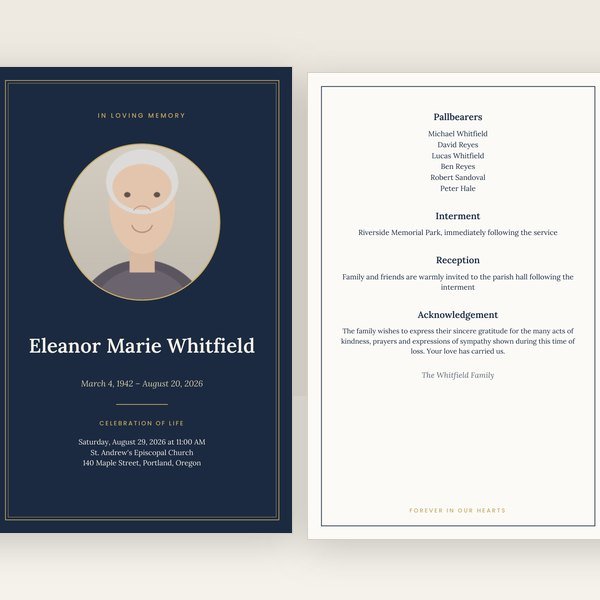
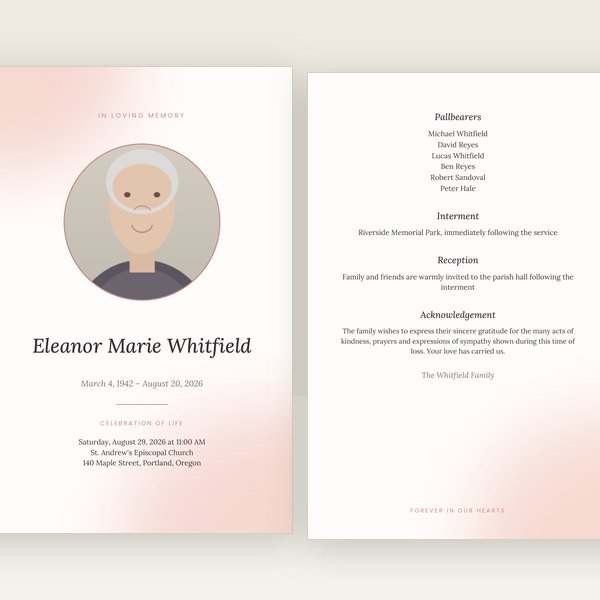
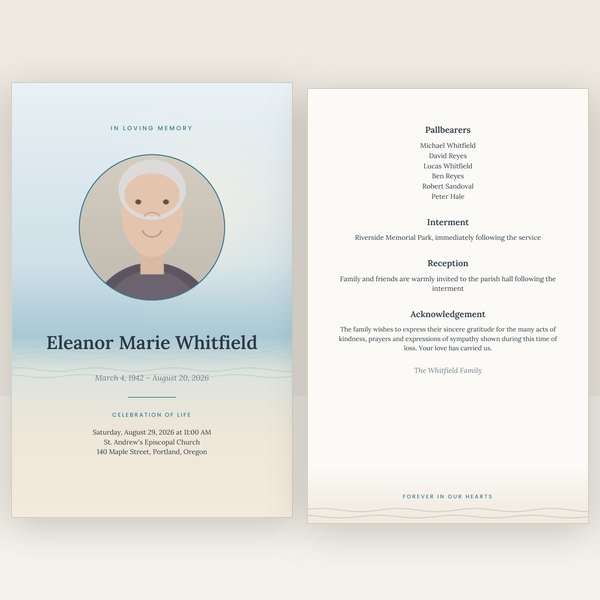
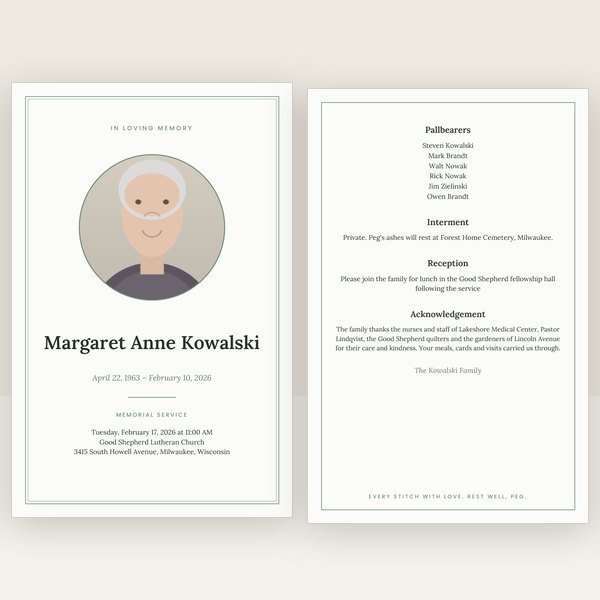
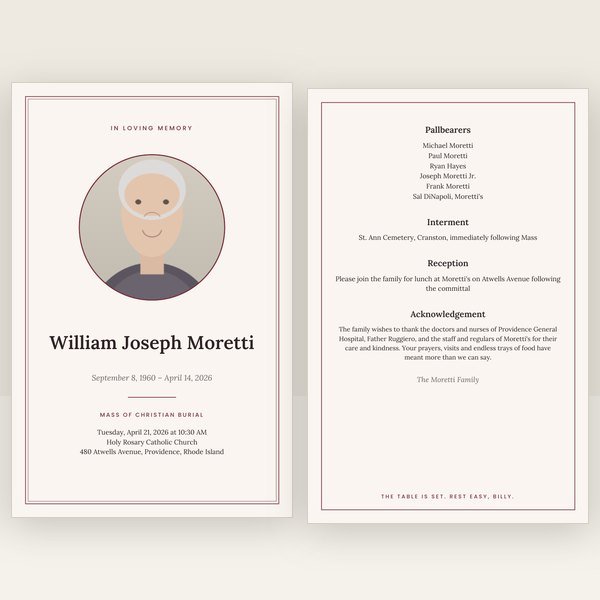
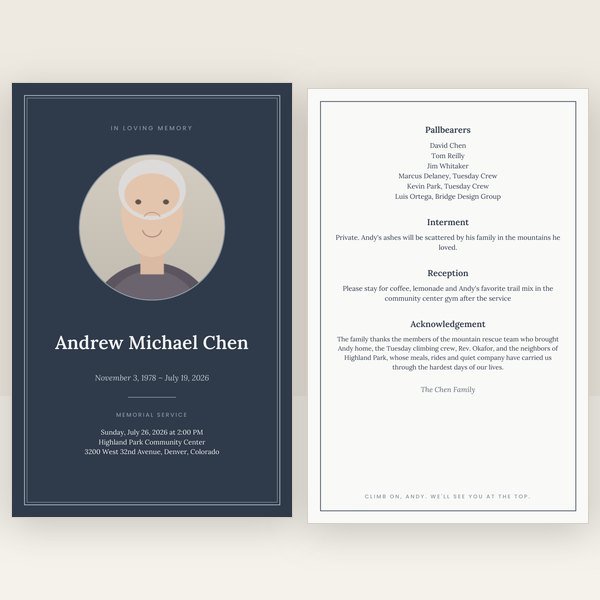
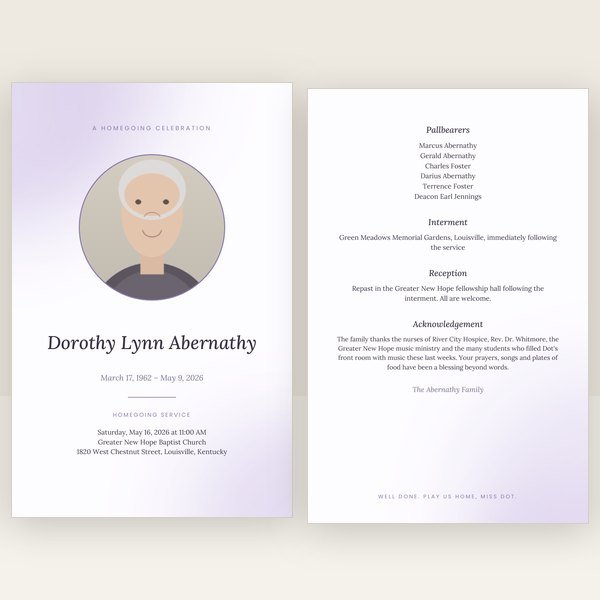
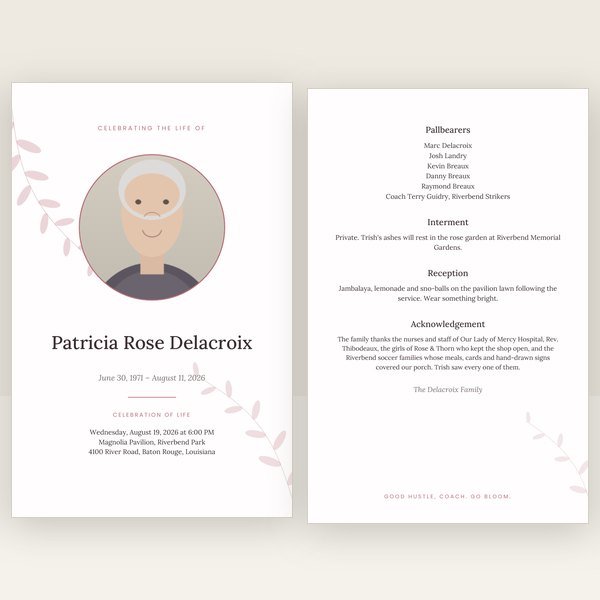


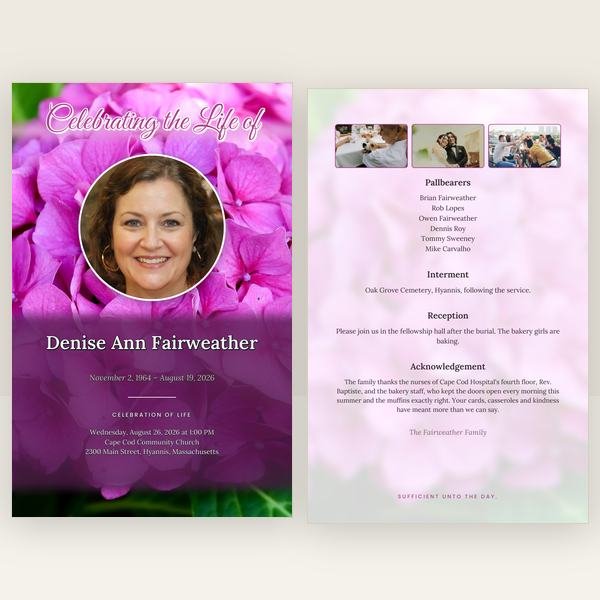


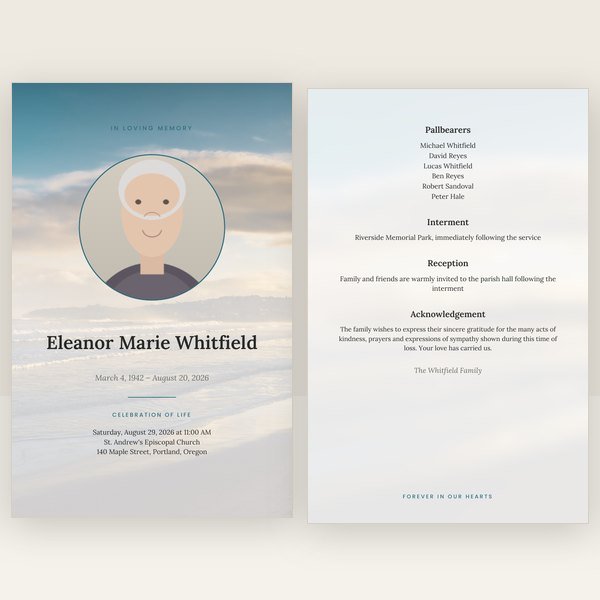


Start with the program. Everything else is offered on your download page already filled in; the matching pieces are available as the complete set.
A Word template gives you full control and no help. The photo drifts when you paste the obituary, the text box overflows without telling you, the page order for a folded sheet is something you have to know, and printing double-sided on the right edge is trial and error. Canva is better at layout but needs an account, works best on a large screen, and the funeral program templates there are made for the screen first: exporting a PDF with bleed and crop marks, imposed for folding, is possible but not the default, and it is easy to get a file a print shop will send back.
A funeral program maker takes the other approach: the layout is fixed and tested, and your details flow into it. You cannot move the photo to a place where it breaks the page, and you do not need to. What you give up is freedom to redesign; what you get is a program that is finished when you finish typing. For most families in the days before a service, that is the trade they want. If you do need something the designs cannot do, custom design is available separately.
The preview on this site and the PDF you download are drawn by the same layout engine. That is what makes the result finished rather than approximate: the fonts are embedded, the photos are placed and cropped at print resolution, the pages are imposed so that page 4 sits beside page 1 on the outer sheet, and the bleed and crop marks are added to the print-shop file automatically. When you fix a typo and download again, all of that is redone in seconds — there is no manual step to forget. Funeral program page order explains what imposition is; how to print a funeral program shows which file goes where.
The free sample is a real file from the generator. Open it, print it, or show it to a print shop before you spend anything.
Because the details are stored separately from the design, the same entry makes every piece. The memorial prayer card takes the photo and name to the front and a verse to the back, six to a sheet. The bookmark does the same at a larger size, four to a sheet. The thank-you cards carry the photo and a message from the family for afterwards. The welcome sign is a single Letter page for the easel at the door; the memorial slideshow plays your photos full screen at the service; the share images send the announcement by text and social media with no printing at all. Each is a single purchase from $29, or take the matching pieces together as the complete set.
The same editor and the same designs, with the wording and the order of service already set for how the service is held.
Enter the details once and download a finished, print-ready program — with every matching piece a click away.
Open the program makerDigital download only. Free corrections for 30 days. Sales are final; corrections and repairs are free.